
CAD & 3D Printing
Mechanical design fundamentals using Onshape and Inventor
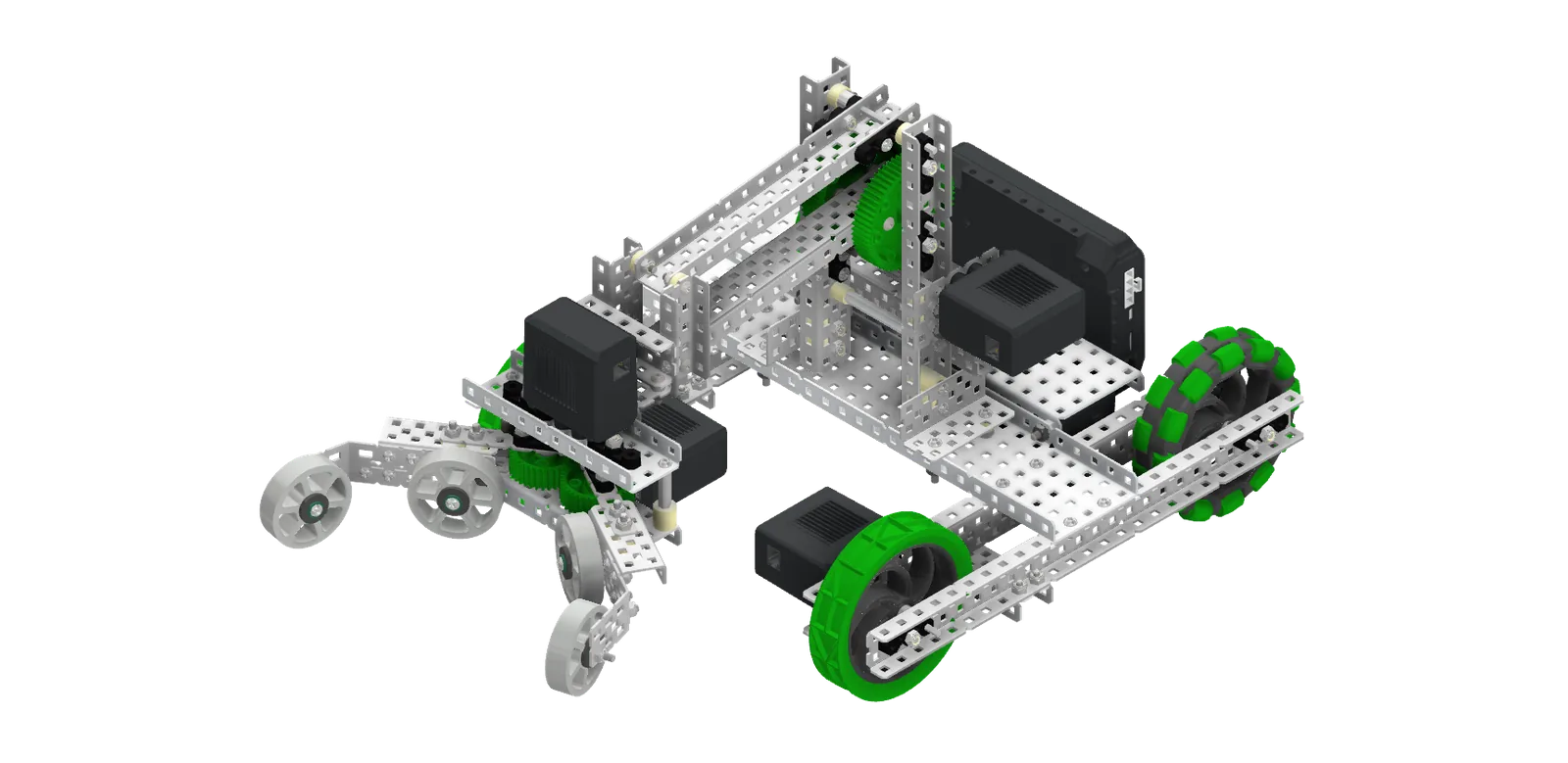
The CAD curriculum covers mechanical design fundamentals using industry-standard tools — primarily Onshape for cloud-collaborative work and Inventor for projects with more advanced surfacing and rendering needs. Students start with parts that constrain and mate correctly, progress to assemblies and motion studies, and finish each cohort with a printable, working design.
Every cohort prints its final project on the lab's Flashforge machines. We teach slicer settings, supports, infill, and the kind of practical print-orientation thinking that separates a CAD file from a part that actually fits.